
Call us today! 216-505-4400
e-Business Express is now 216digital. Same people, same ecommerce expertise. Still practicing world-class design, dev, and digital marketing.
Let's Go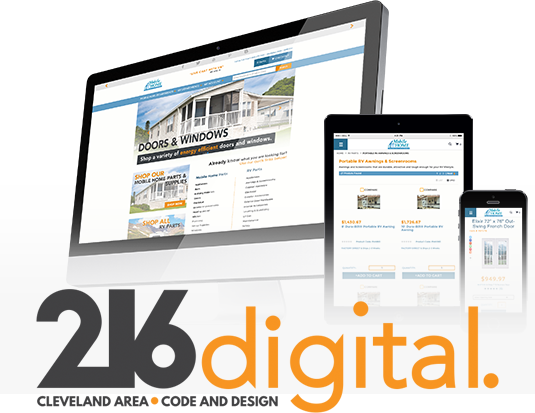

216digital specializes in ecommerce design and development for the independent business. We’re proficient in multiple platforms, including Miva, Magento, WooCommerce, and PrestaShop. Check out the 216digital portfolio for our latest work.
Digital marketing has changed a lot since our founding in 1999. We have consistently stayed ahead of the curve. Today, we offer comprehensive inbound marketing as well as PPC management, white-hat link building for SEO, social media marketing, and affiliate marketing.
We’ve evolved. You can, too. Get in touch with 216digital today, and let’s start talking about your next big thing.